// Ben Ginzberg

Building a professional experience for amateur athletes from scratch.

Pickup
0→1
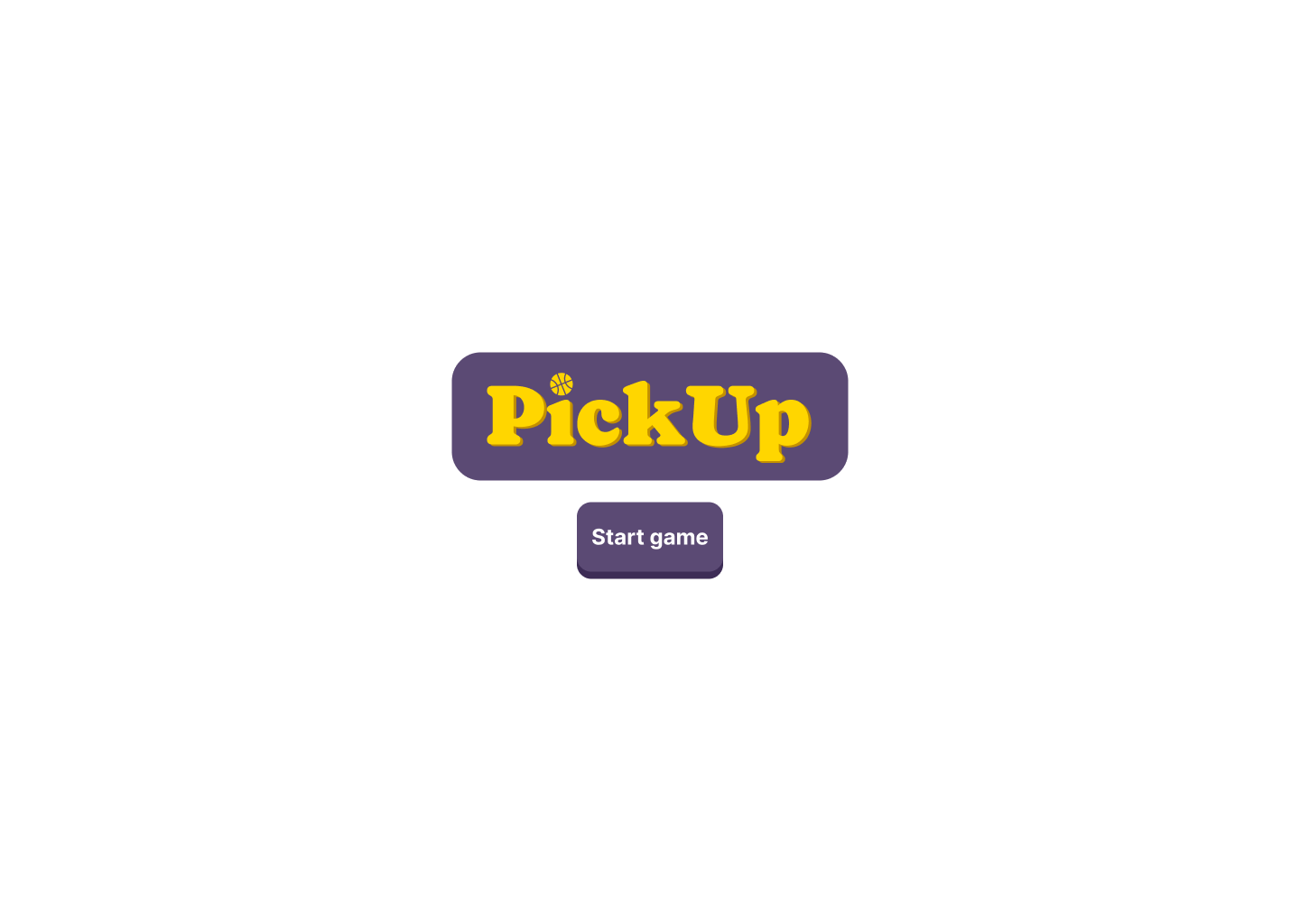
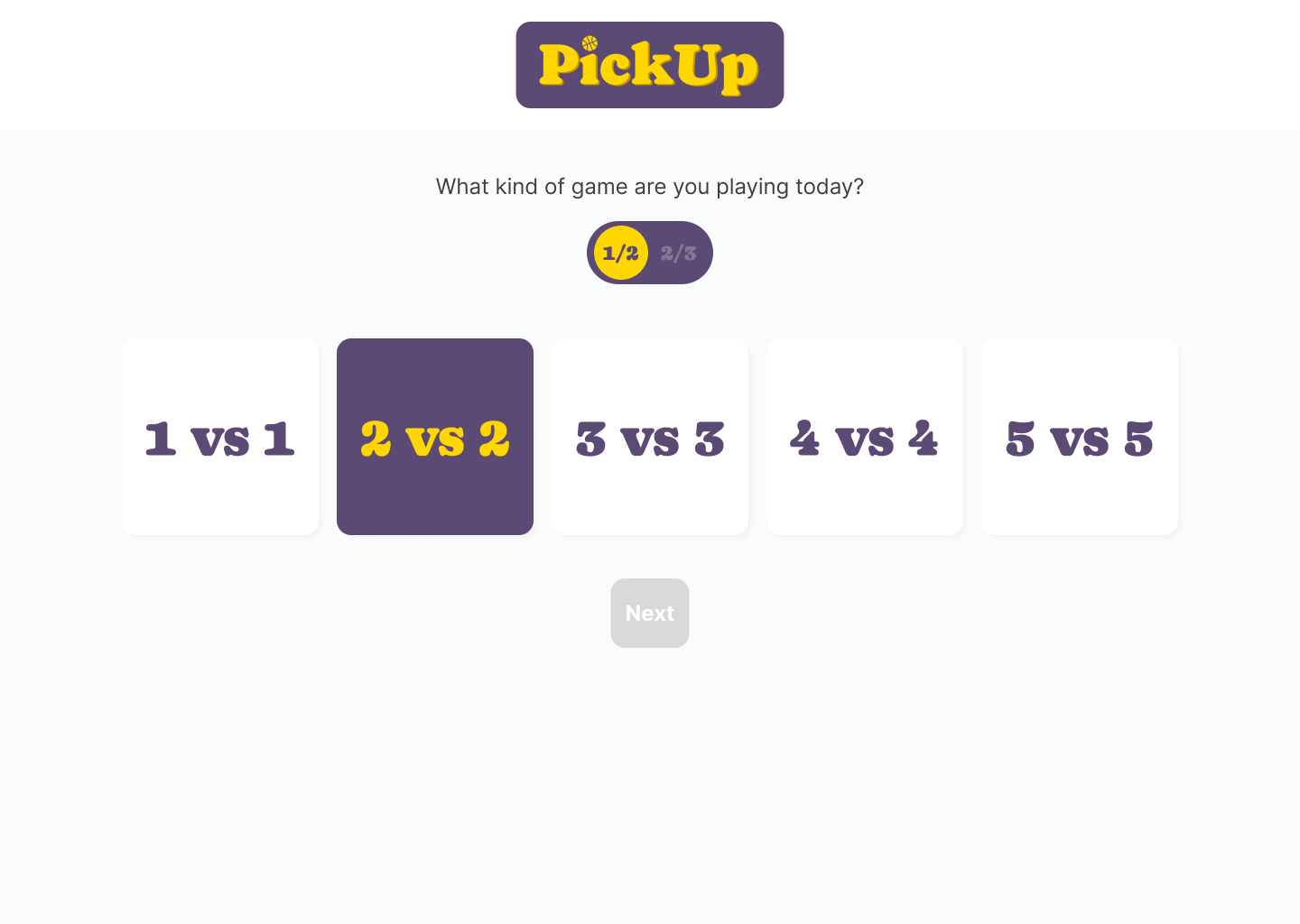
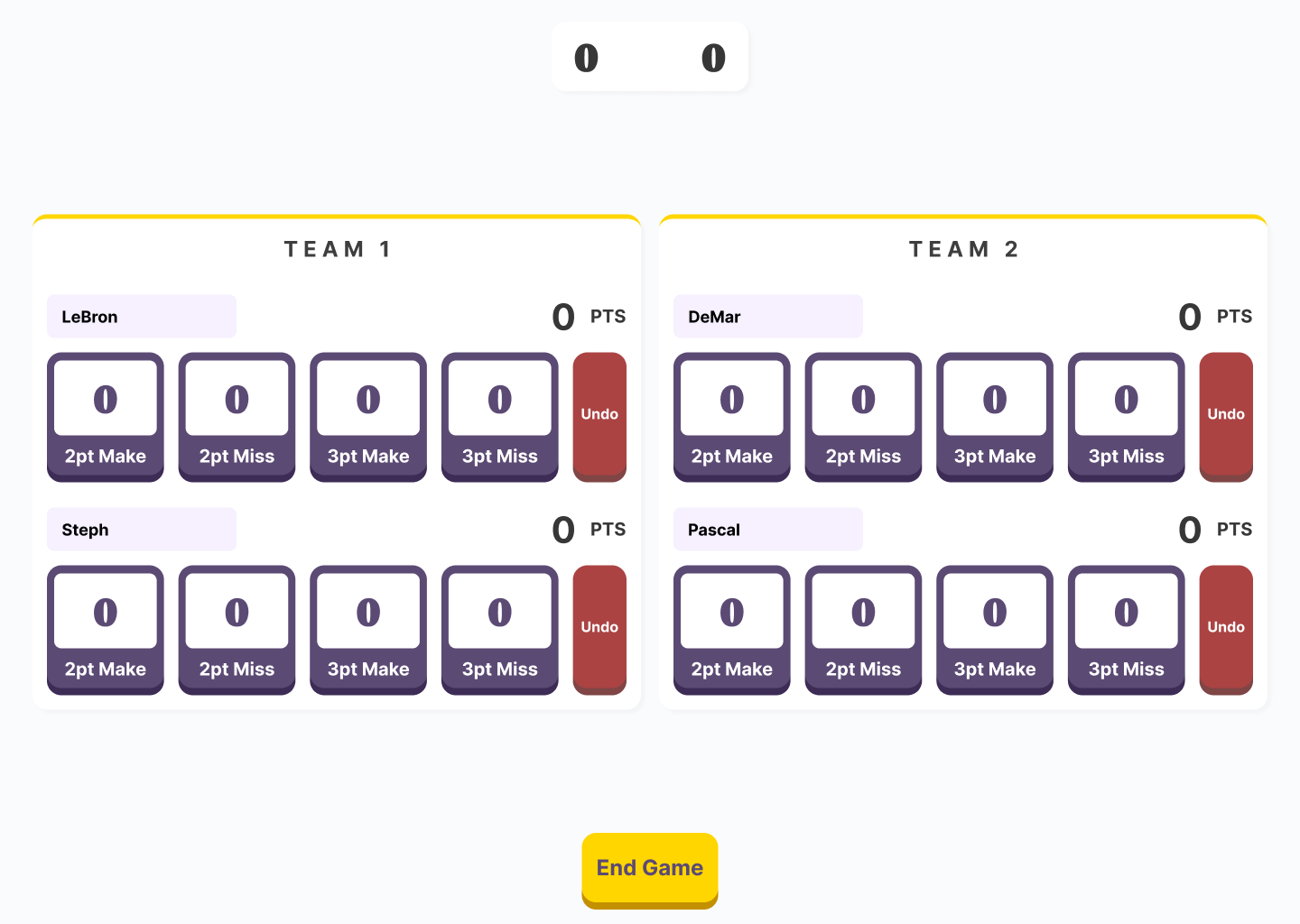
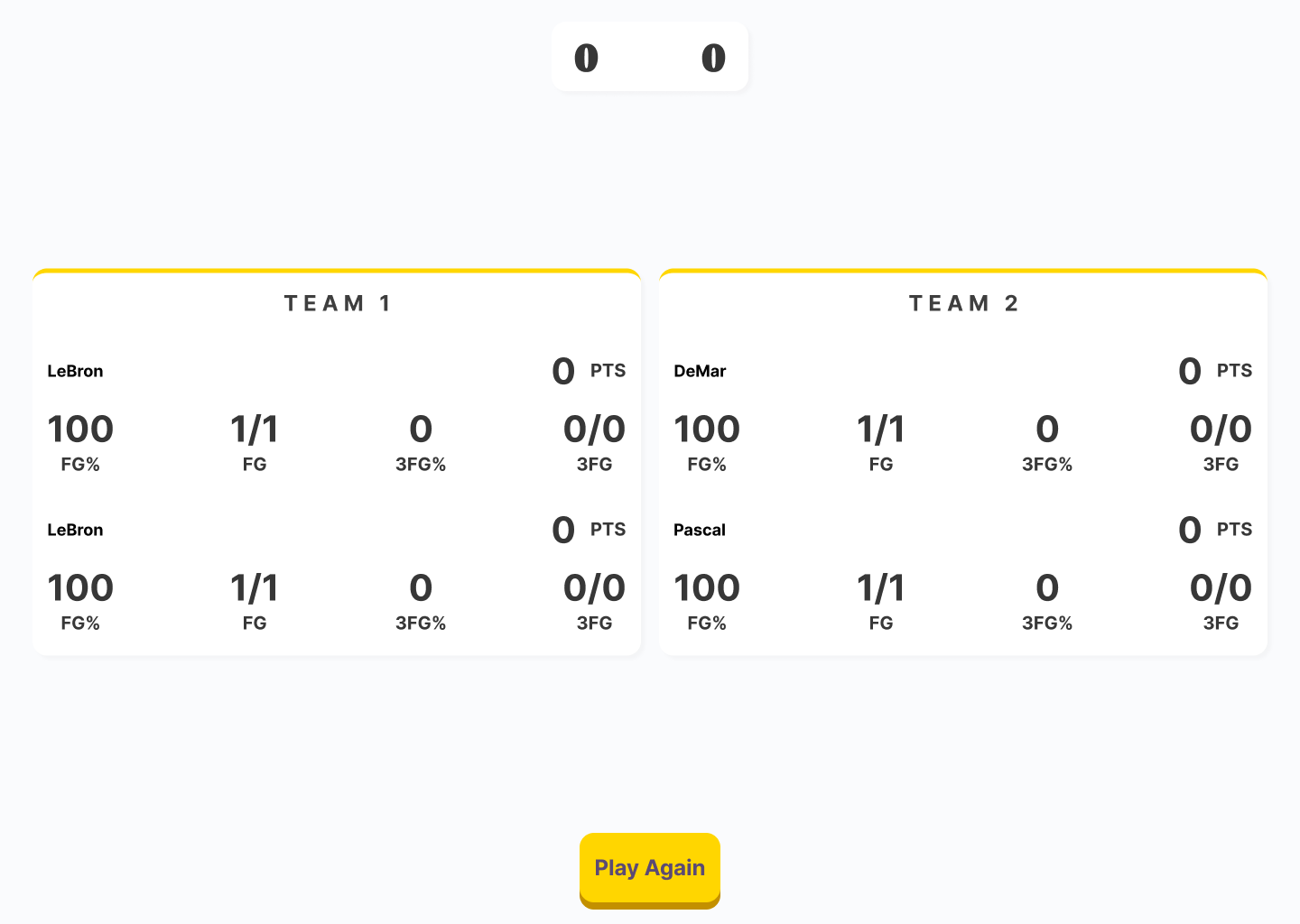
To measure game by game improvement in the sport of basketball, I built a web platform that allowed users to track scoring related stats in pickup games. Here’s a rough draft of the app!
Launch page
Player select with team sizes selected
Game screen
Post-game screen
Overview
Strava. Homecourt. MyFitnessPal. All of these apps in the fitness space help the user track their progress and allow them to monitor their improvement. As someone who plays pickup basketball recreationally along with others on a regular basis, and I wanted to track our performance for these games to get a sense of improvement and status on a game to game basis.

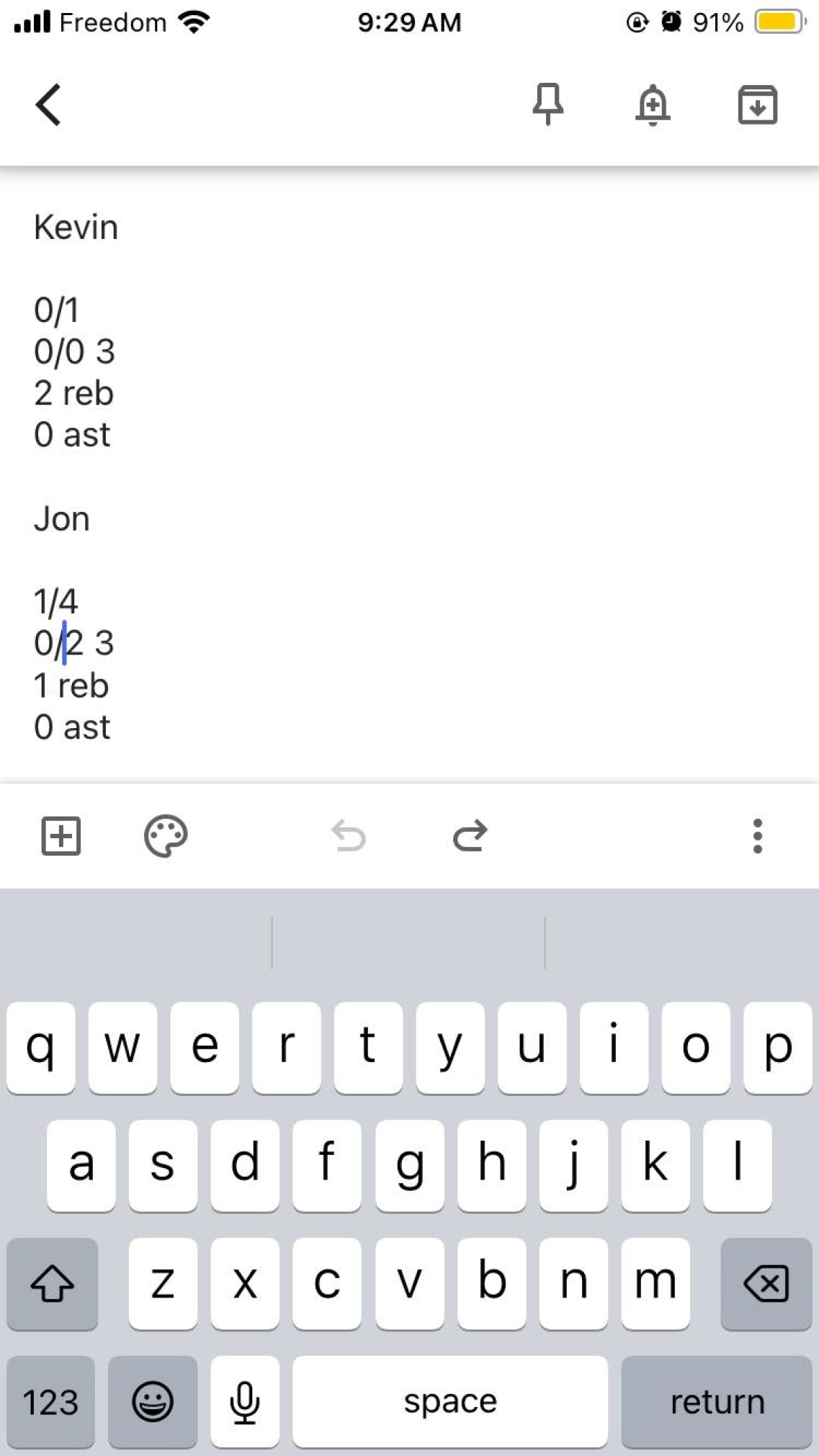
Unable to find a tool that would help with this, we resorted to manually inputting this information in my notes app, which created many frustrations because it was not easy to use with the speed of the game. With the text being so small it took a lot of precision and scrolling to update the players stats. the space for a tool like this was being carved and I wanted to investigate its necessity/demand to see if there was an opportunity to marry my passion for design with my love for basketball.
Google Keep as a stattracker
Screenshot of Google Keep, where I initially tried to track stats.
Success metrics
Will it be used
Is this something that people will seek out? Will other athletes see the value in this?
Can it be used
Can the interface be simple enough that would allow for it to track the fast paced action on the court?
Can it be built
This was an exploration into my own abilities as a dev. Can I feasibly learn how to make this?
Problem
Before doing any designing, I first wanted to explore the first success metric: will a platform like this be used by other amateur basketball athletes?

Because I play basketball in a pickup environment, I queried those who play with me about if they care about their stats in game. While some mentioned their lack of interest in quantitative data with their games, others expressed the sense of wonder around their on court production. I began to interview those in and out of my circle who participate in these pickup basketball runs to determine if there was a use case for this type of tool. Below are some key excerpts from those interviews:
“I would love to be able to see how I’m shooting so I can see if I improve over time.”
“Having my stats tracked would let me see if I played well and I would feel like an NBA player.”
“It would give me a new way to be competitive by bragging to my friends.”
The one that stood out the most was that they would "feel like an NBA player". That was all I needed to hear. A tool like this could provide amateur players with a luxury that professional players experience. With the interviews demonstrating the demand for a tool like this, I got to work to bring this idea to reality.
3 key decisions
Scope
To push this into something realistic to launch, I refined the scope to create a vision for the MVP, a release that could be iterated on and expanded. With my capabilities in web dev being limited, I didn’t want to push too far in what could be done with this kind of a platform. The core functionality would strictly be single game stat tracking
Tech stack
With the core functionality set, I sought out to learn Javascript, and then React, to simplify the development of this platform
Testing
To keep up with the speed and pace of a real game, I would need to test this beyond a sanitized testing environment. When the coded prototype was ready, I would test it at a real pick up game.
Process
The product had to be more than just a clicker app, I had to map out all the steps in the players journey when looking at pickup basketball.
Steps in a basketball players journey
Steps involved with pickup basketball
Examining this journey, the MVP of the product would need to take account for the players playing in the current game, track the individual scores, and add them up into a tallied game score. With this information, I was able to craft a user journey for the proposed product.
Early-stage flowchart.
Early-stage user flow
Workshopping this flow with interview participants revealed that any supplemental tech needs to be fast-paced to match the court action. Inputting everyone's name before entering the "input game stats" section would slow things down, leading to frustrations due to expensive and limited court time, so I made this step optional. Additionally, it was suggested that the flow should return users to the input game stats screen if the same number of players want to play again, reducing wait times.
Flow chart for the MVP.
Refined user flow
I had enough information to move on to the fun part: wireframing. I explored a variety of different styles of interaction for the input game stats function of this product and returned to my original interviewees for their feedback.
Rough wireframe #1
Rough wireframe #2
Rough wireframe #3
Rough ideation
Through this ideation exercise and feedback it was clear that incorporating all tracked stats in this module would be overwhelming for the user. I also consulting online basketball forums on Reddit and came to the conclusion that cataloguing points related stats would have the highest value.

This birthed the first iteration of Pickup:
The home screen for PickUp.
Launch screen
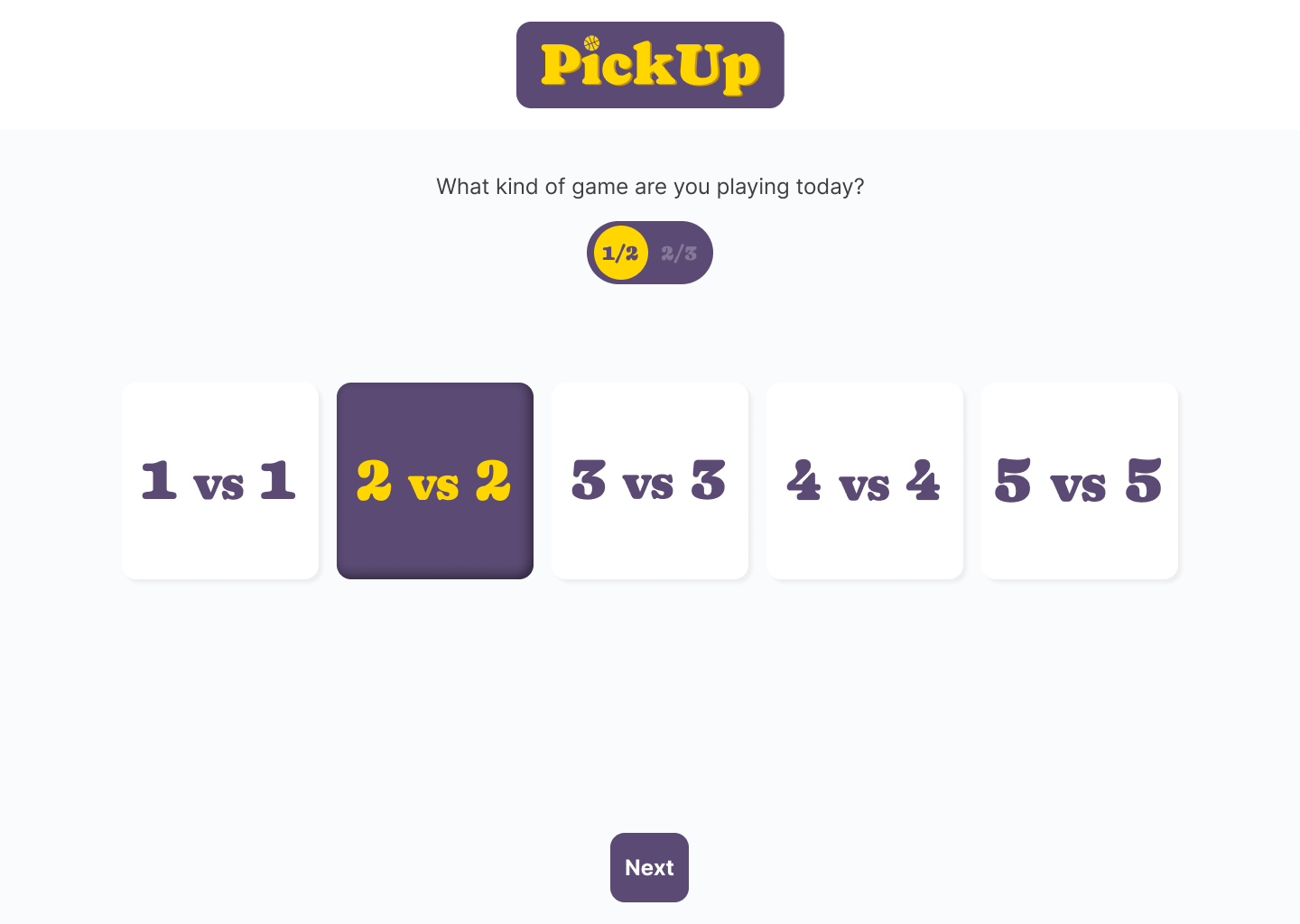
The team selection screen on PickUp with 2v2 selected.
Team select
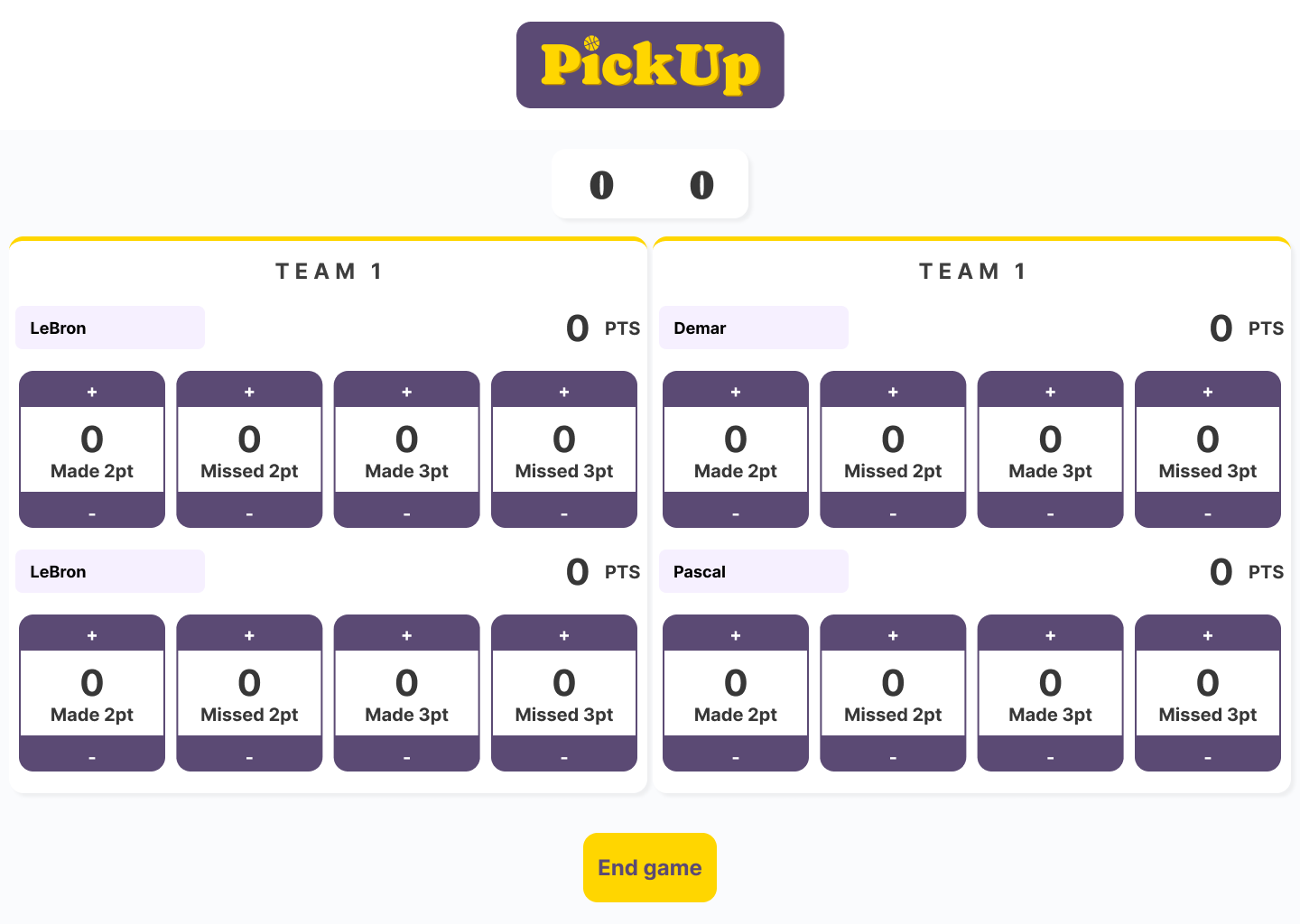
The scoring module for PickUp with names filled in.
Early stage stat tracker
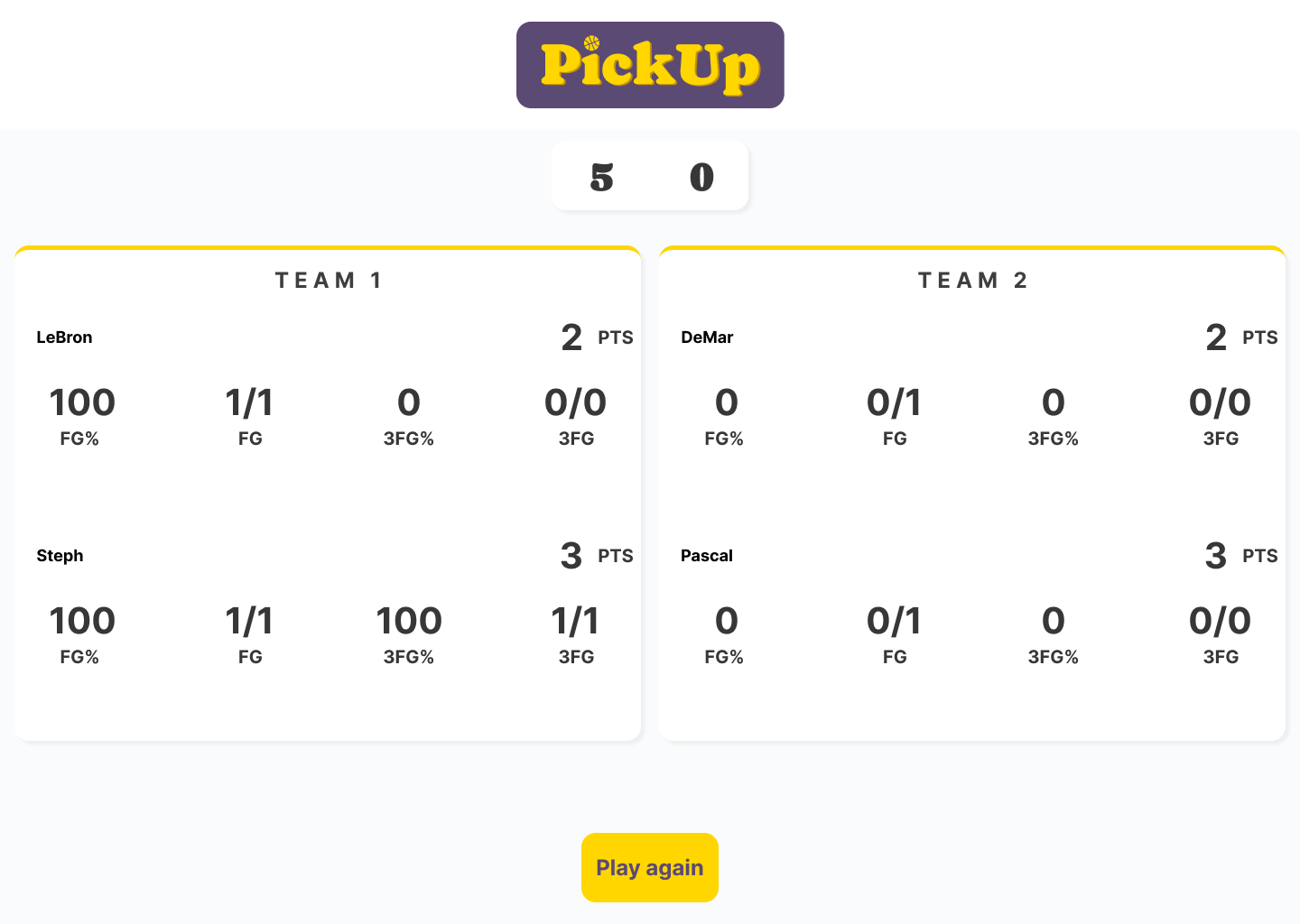
The final screen indicating the scores for each player.
Post-game screen
As the sole developer on the project, I wanted to create a smooth development process for myself. I handed off the prototypes into Zeplin, and created cheat sheets for different components used in the app. I seamlessly organized and annotated each element, giving myself a comprehensive overview of the project. Zeplin's intuitive interface allowed me to view detailed specifications, pixel-perfect measurements, and style guides, ensuring precision in the implementation of the design.
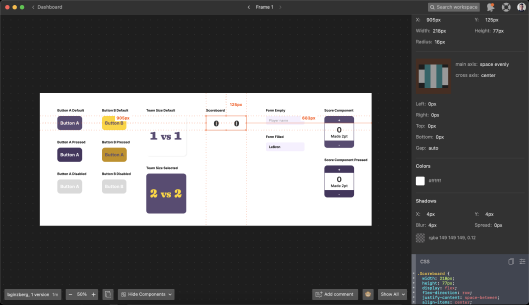
Zeplin style sheet
With a coded prototype, I returned to my pickup spot and introduced the product to a new set of, more advanced participants. Veteran players initially resisted, but I demonstrated the product's benefits, particularly its ability to track scores, addressing a common difficulty. By the end of the session, many players were eager to check their shooting stats and shared how the tool would improve scorekeeping in the circuits they volunteer at.
Live testing
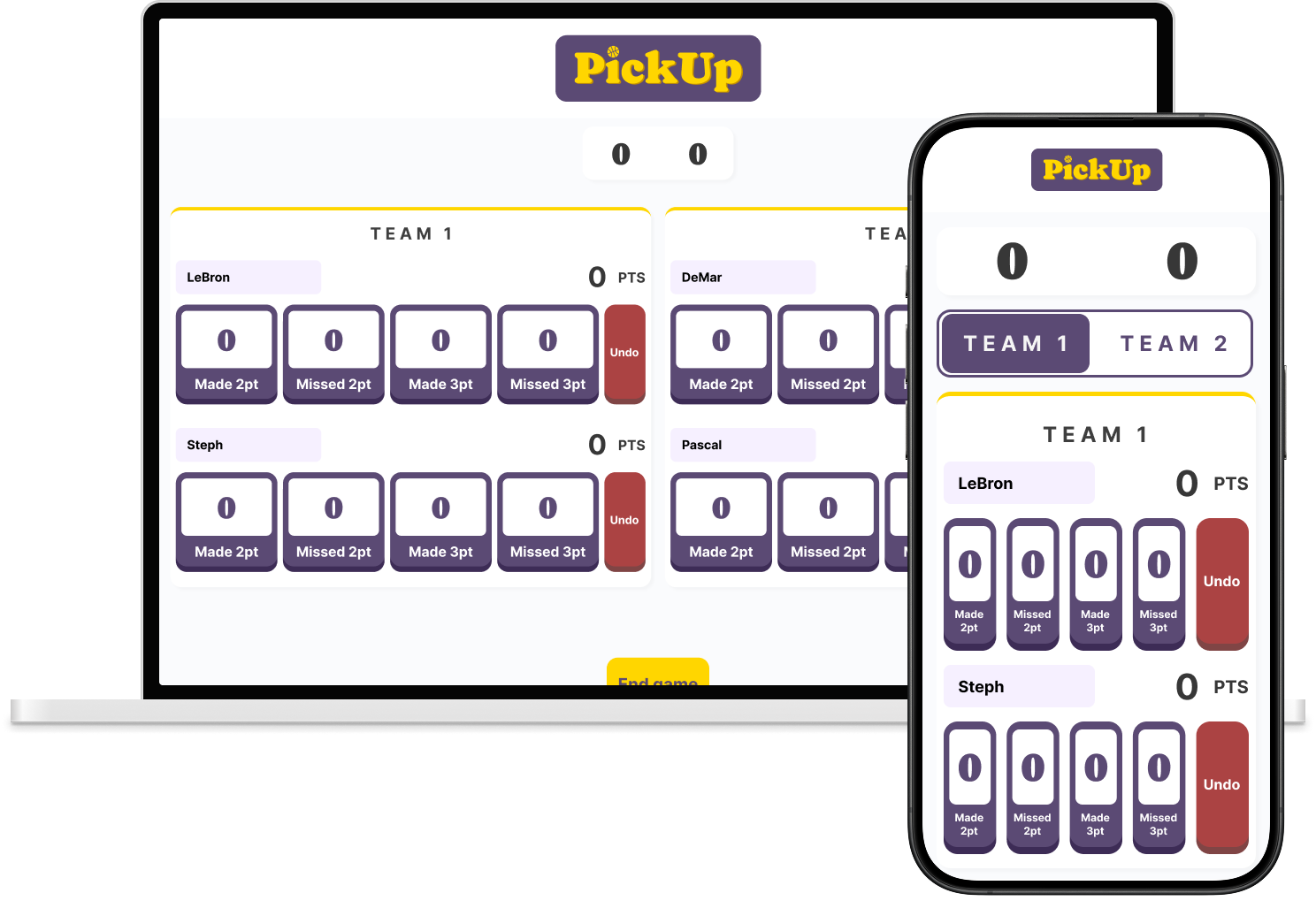
This exercise was valuable beyond validating the product's demand; it revealed design flaws. The game's fast pace meant my stat tracking buttons were too small, causing participants to fear hitting the wrong button or missing entirely, which would skew data. To address this, I redesigned the prototype with larger, single-use buttons and an undo button to revert recent changes. Testing showed these changes made the tool simpler to navigate and more reliable for stat tracking.
Before testing
Initial screen for the app.
After testing
Revised screen for the app
Leanings
Many projects I've delivered ended with a complete handoff, this is a project I want to deliver and continue to develop after it's live. Being able to go beyond user testing and try it out in the field was an amazing experience, one I hope to continue as the product develops. This tool for myself and my peers has already achieved the goals I was hoping for on a personal level, now it’s time to bring this product to others.